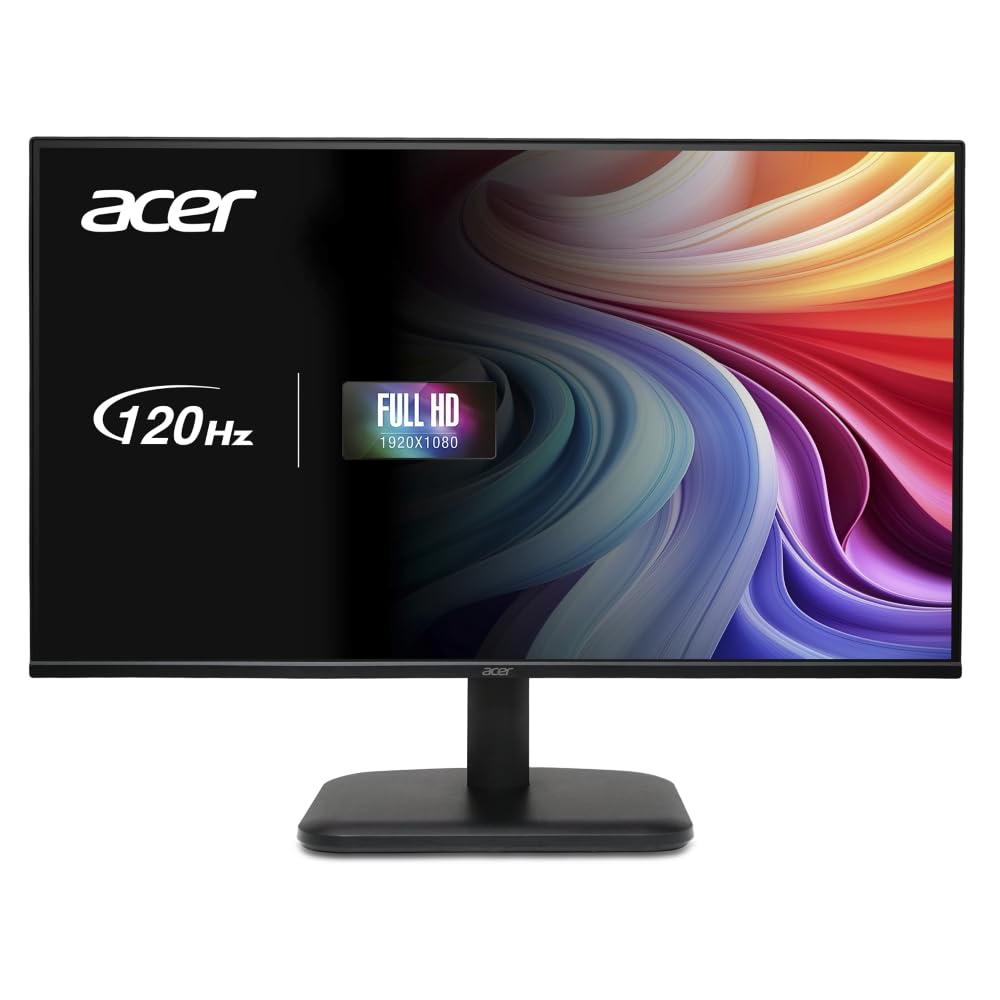
The Best Monitors for Your Desk

Your monitor is the central focus of your desktop setup. High resolution and refresh rates improve clarity, reduce eye strain, and boost productivity.Discover our top recommended displays for work and gaming.

Swipe table to compare (4 models)
Our Choice (Ultrawide)
Samsung ViewFinity S5 34"

Samsung ViewFinity S5 34"

Best Value
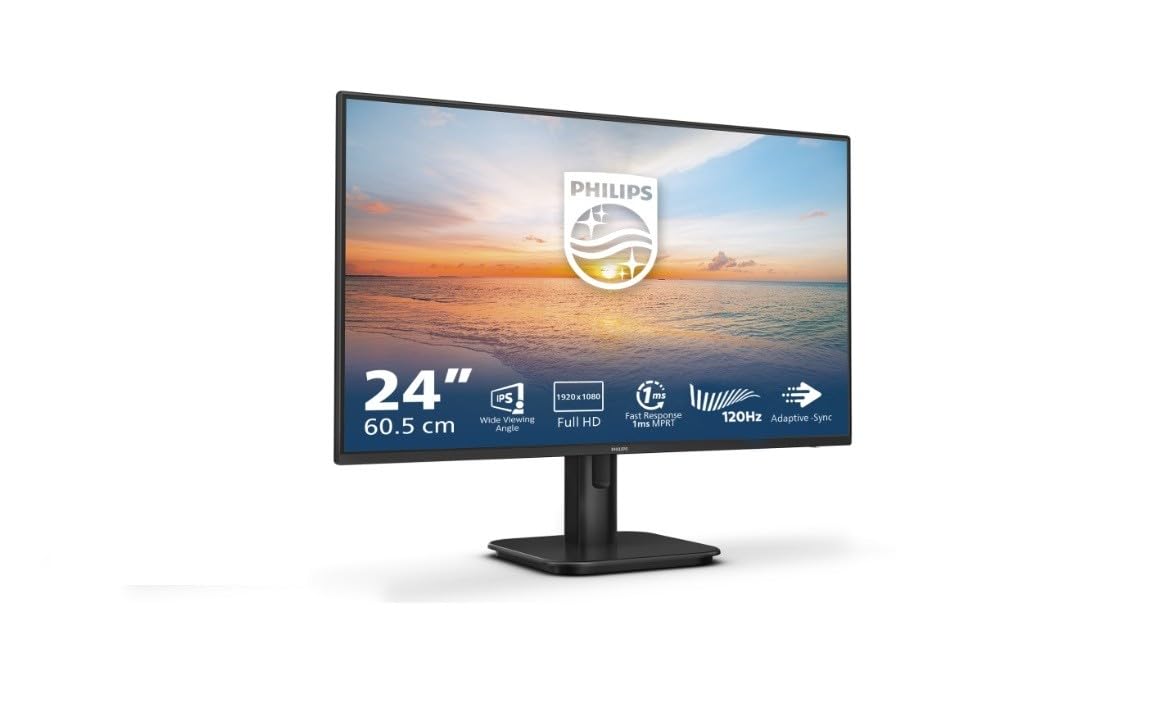
PHILIPS 24E1N1100A 24"

PHILIPS 24E1N1100A 24"

Gaming & Eye Care
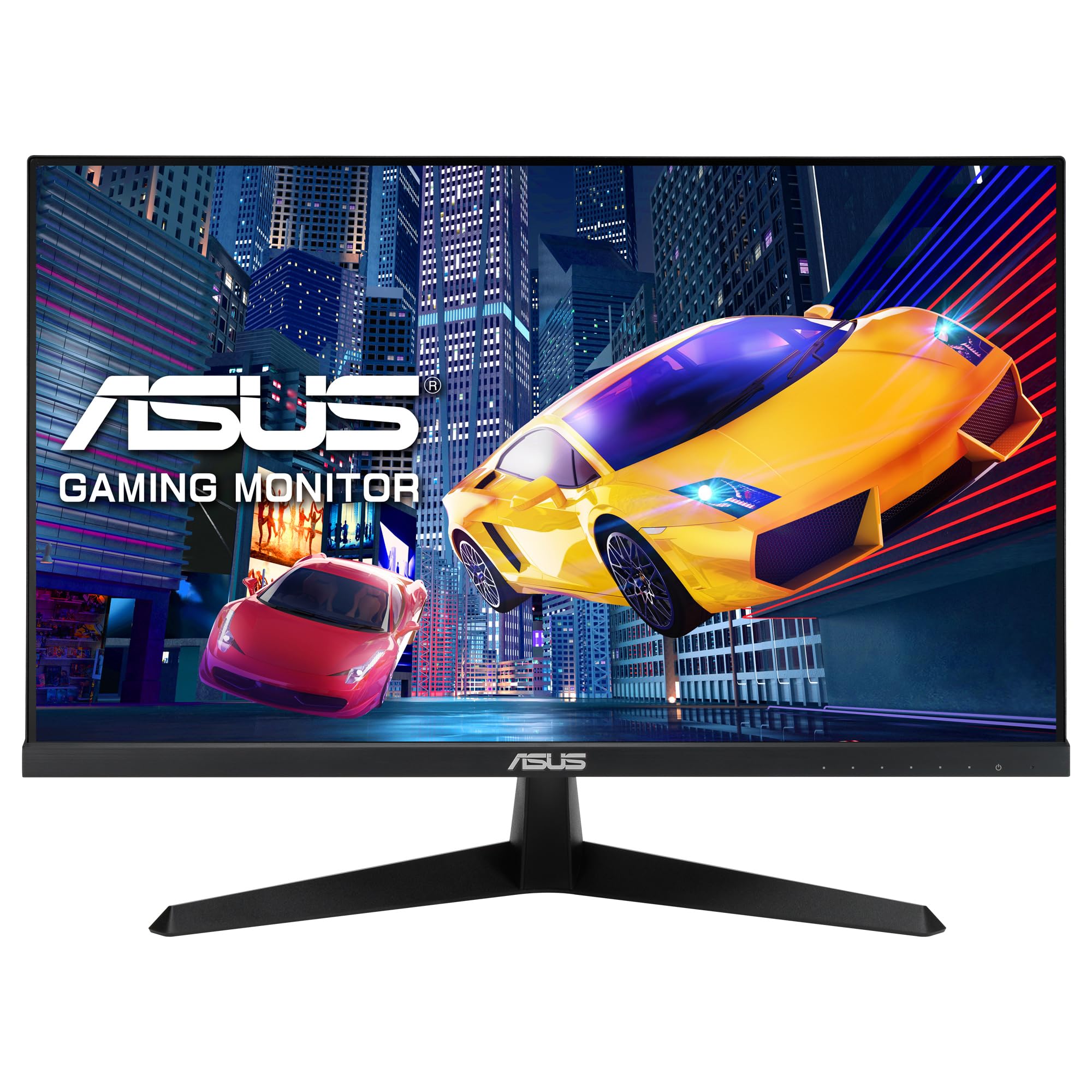
ASUS VY249HGR Eye Care

ASUS VY249HGR Eye Care

Budget Choice
Acer EK241YGBIF 23.8"

Acer EK241YGBIF 23.8"

Key FeatureUltra WQHD (3440 x 1440) 21:9Key FeatureSmooth 120Hz FHD IPS panelKey Feature120Hz refresh & 1ms response timeKey FeatureUltra-slim 120Hz Full HD IPS panel
Best For100Hz refresh, HDR10 & PBP/PIP multitaskingBest ForIntegrated stereo speakersBest ForTÜV certified blue light filter & flicker-freeBest ForZeroFrame slim-bezel design
View on AmazonView on AmazonView on AmazonView on Amazon

Detailed Review of Featured Monitors

Ultrawide Productivity
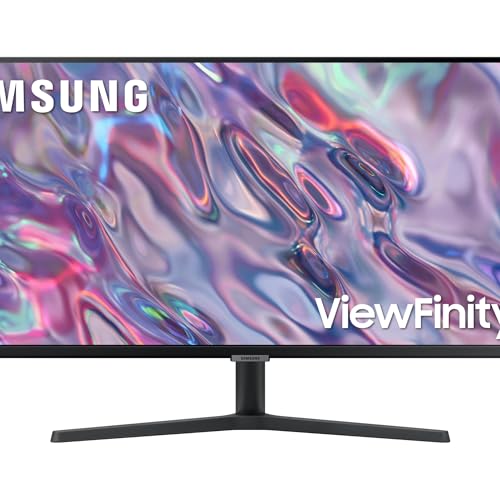
Image of 1. Samsung ViewFinity S5 34" Ultrawide - 3440x1440 WQHD Multitasking King
4.7 out of 5 starsVerified product on Amazon

1. Samsung ViewFinity S5 34" Ultrawide - 3440x1440 WQHD Multitasking King

Replaces dual monitor setups with a single seamless ultrawide screen, ideal for timeline editing, spreadsheets, and multi-window coding.

  • 34-inch 21:9 Ultra WQHD resolution (3440 x 1440)
  • 100Hz refresh rate with AMD FreeSync
  • HDR10 support for vivid contrast and colors
  • PBP (Picture-by-Picture) & PIP (Picture-in-Picture) split screen
Stock and price updated today
View offer on Amazon

Pros & Strengths

  • +Huge 21:9 workspace eliminating screen bezels.
  • +100Hz refresh rate offers smooth scrolling.
  • +Eye Saver Mode certified by TÜV Rheinland.

Things to Consider

  • -Requires a wide desk surface.
  • -Flat panel design (some users prefer subtle curves on 34-inch displays).