
The Best Products & Guides to Build Your Setup
In-depth reviews and direct deals on Amazon for ergonomic furniture, postural health, and peripherals to work or play with peak comfort.
🔥 Best Sellers for Your Desk
Top-selling products verified with highest user ratings

SIHOO M18 Ergonomic Chair
2D Adjustable Lumbar Support
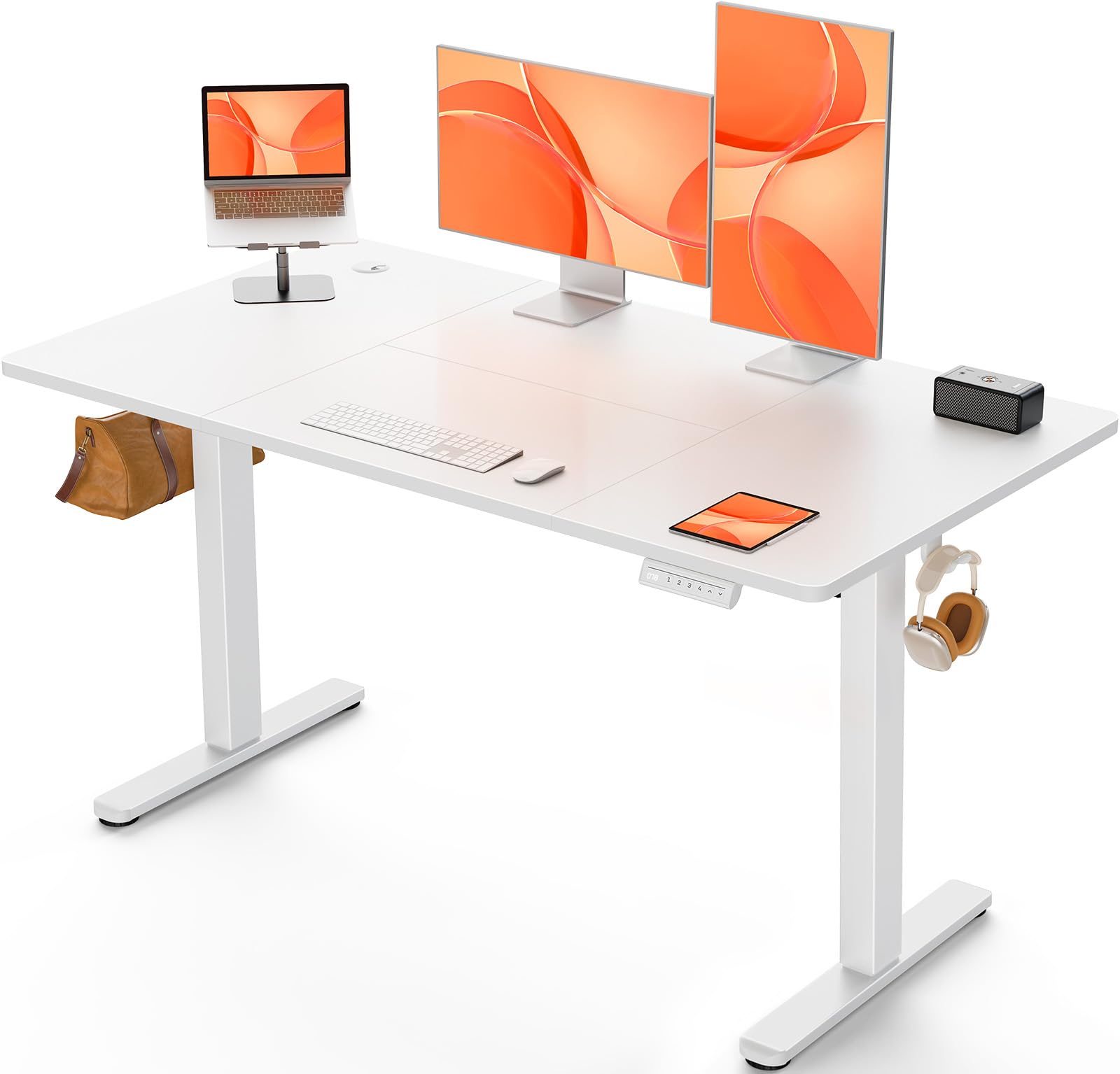
ErGear Standing Desk 120x60
Electric Motor + 4 Presets

Quntis Screenbar Monitor Light
45° Asymmetric Lighting
Logitech Lift Ergonomic Vertical Mouse
57° Ergonomic Postural Angle
⭐ ZenZone Recommended Selection
Essential accessories to boost your productivity and eye comfort
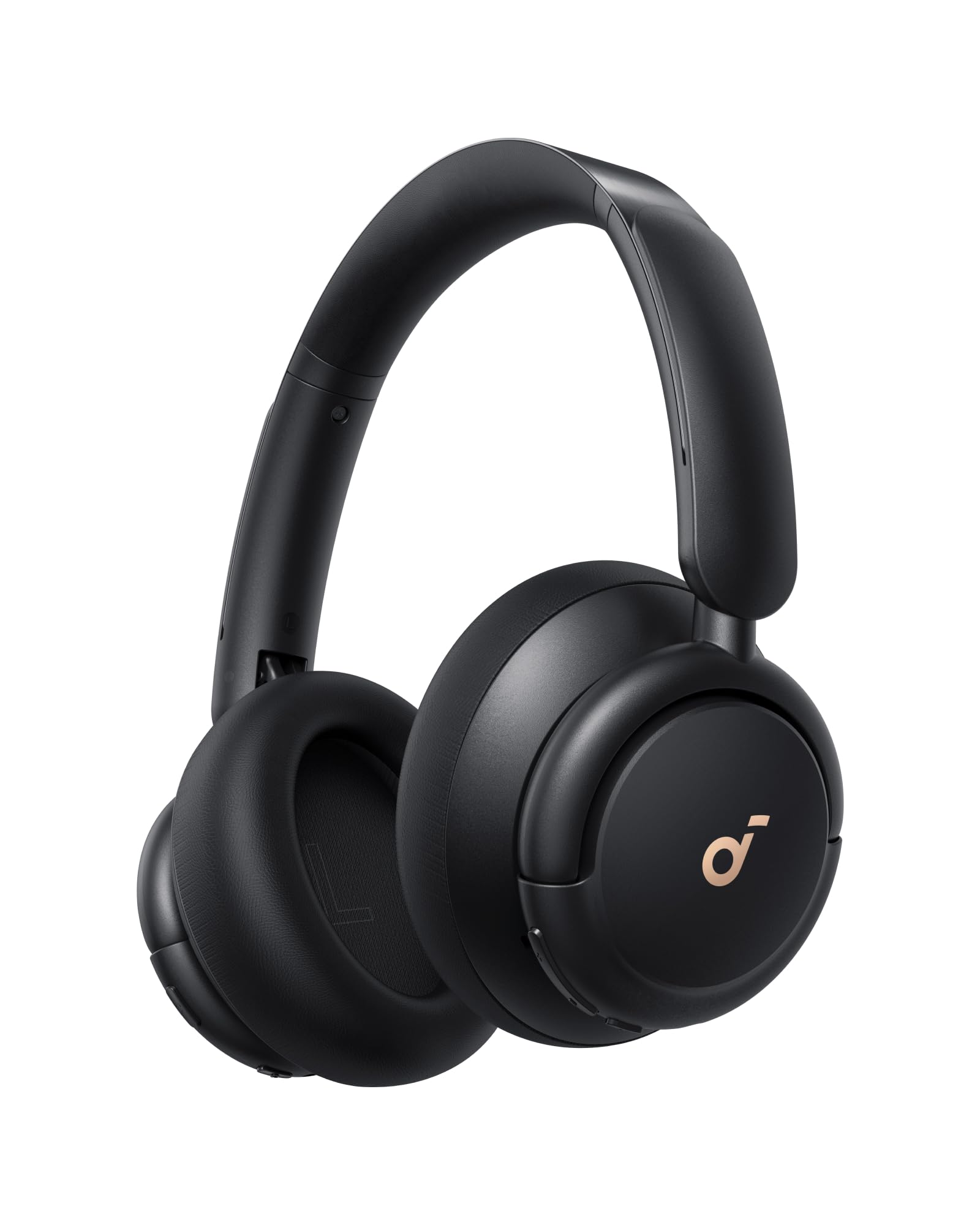
Soundcore Q30 ANC Headphones
50h Battery + Hi-Res Audio

Titanwolf Speed XXL 90x40cm
Soft Anti-Fray Speed Surface
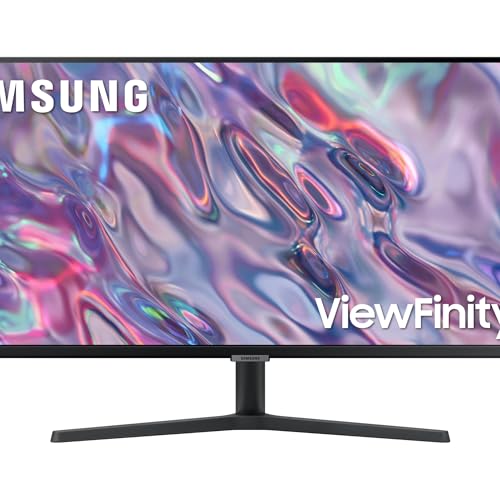
Samsung ViewFinity 34-inch Ultrawide
3440x1440 WQHD 100Hz HDR10
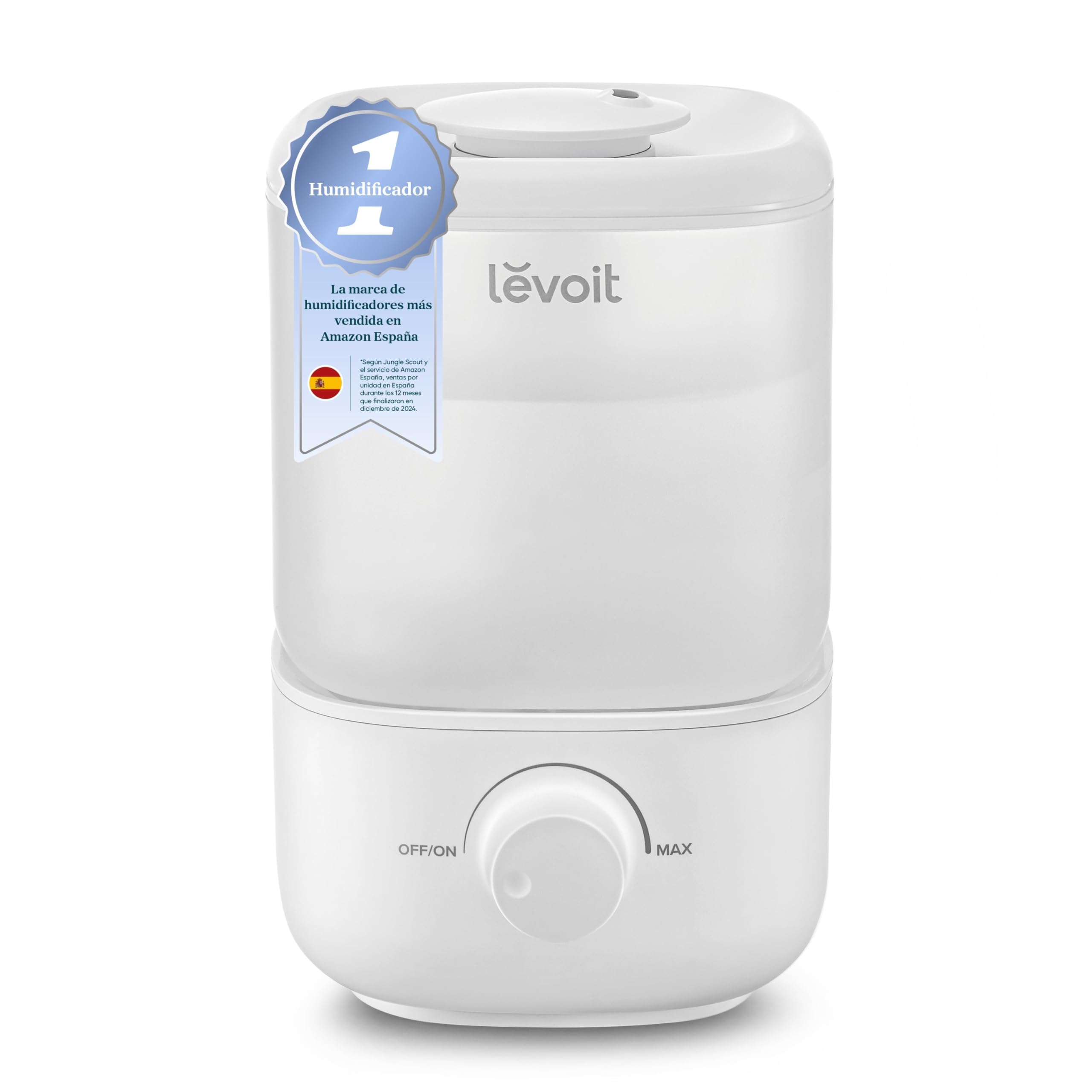
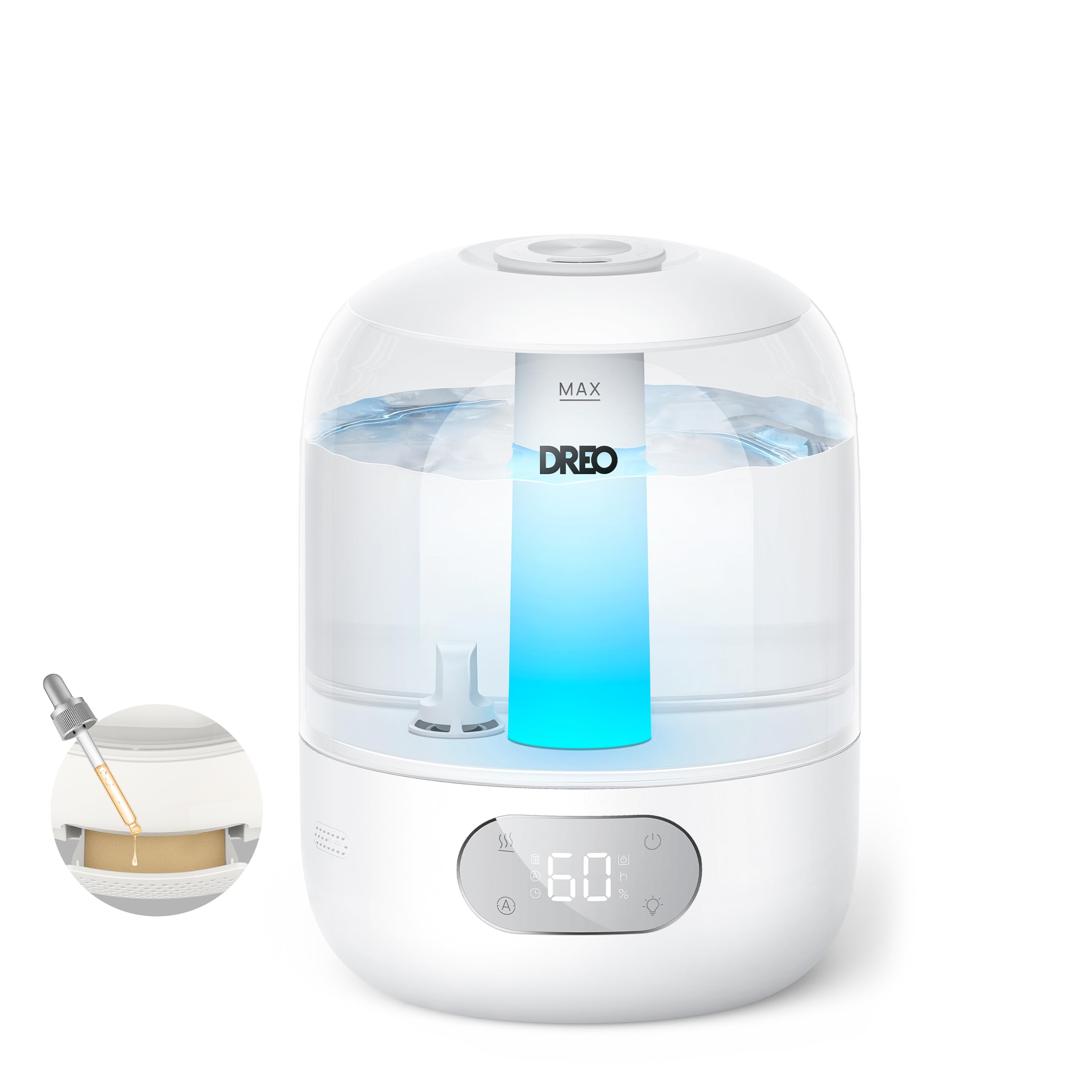
DREO 3L Humidifier 26dB
Smart Humidity Sensor & Hygrostat
Complete Catalog by Category
Explore guide reviews with real data from Amazon for every product type
Ergonomic Office Chairs➔
Featured: SIHOO M18, Durrafy, Amazon Basics...
Breathable mesh ergonomic chairs with 2D/3D adjustable lumbar support for 8+ hour remote workdays without back pain.
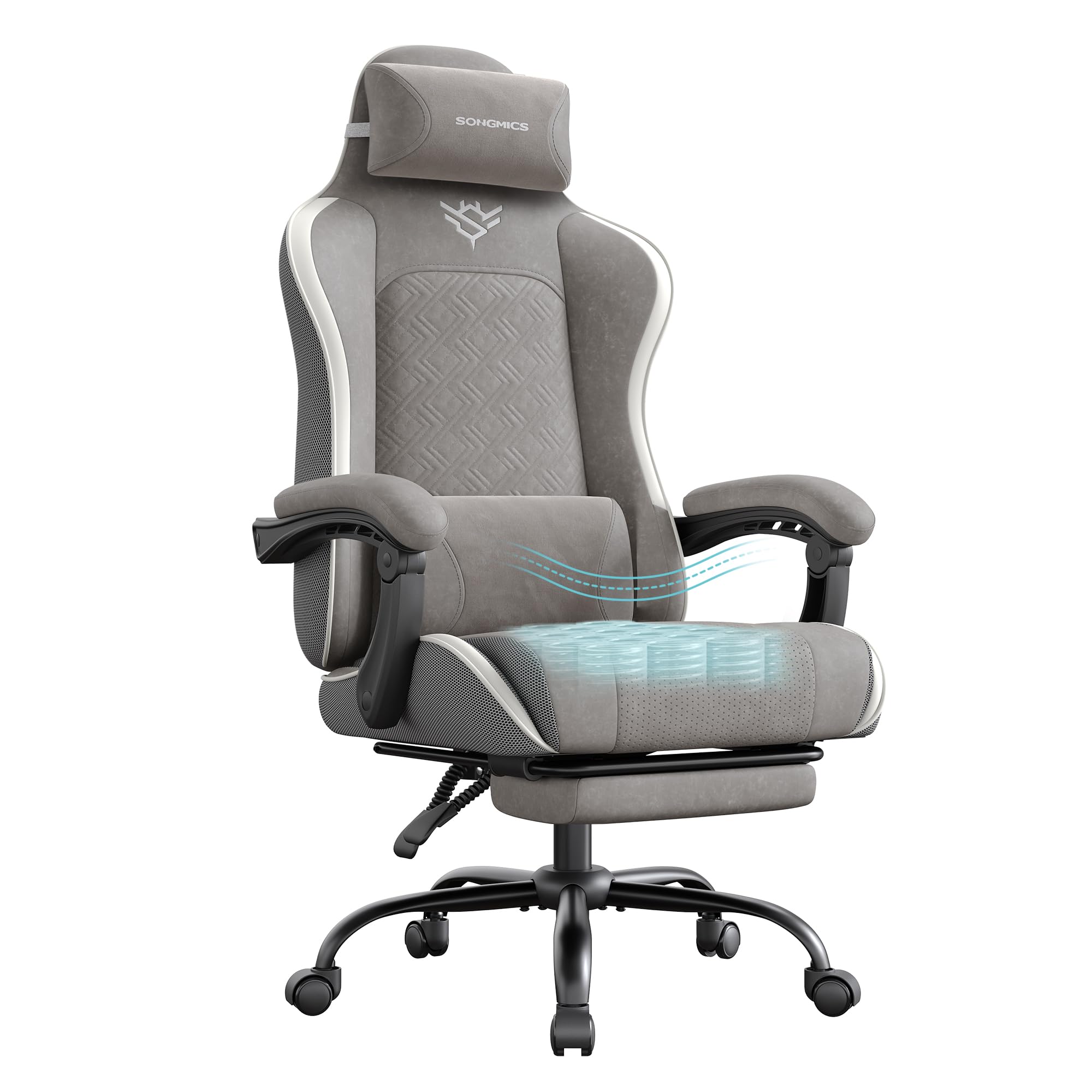
Reclining Gaming Chairs➔
Featured: SONGMICS Racing, Silla Gaming Pro, WOLTU...
Contoured sports chairs with extendable footrests, 150° recline, and neck/lumbar support pillows for gaming marathons.
Desks & Standing Desks➔
Featured: ErGear Elevable, Habitdesign BUC, Coleshome...
Electric height-adjustable standing desks with quiet motors and height presets, plus L-shaped corner desks to maximize workspace.
High-Performance Peripherals➔
Featured: Logitech MX Master, Lift Vertical, Soundcore...
Complete catalog of vertical ergonomic mice, low-profile silent keyboards, ANC headphones, ultrawide monitors, and desktop speakers.
Desk Setup Lighting➔
Featured: Quntis Screenbar, AURORIONCG, NEEWER, YICAIZI...
Anti-glare monitor light bars, music-synced RGBIC LED strips, wall panel lights, and streaming key lights.

XXL Desk Mats & Pads➔
Featured: Titanwolf Speed XXL, Logitech Desk Mat, Realky RGB...
Giant 90x40 cm desk surfaces, RGB edge-lit mouse pads, 15W Qi wireless charging mats, and gel wrist rest pads.
Humidifiers & Aromatherapy➔
Featured: DREO Ultrasonic, Levoit Smart 6L, Cecotec RGB...
Ultra-quiet 26 dB ultrasonic humidifiers, Alexa-compatible smart WiFi humidifiers, and aroma diffusers with mood LED lighting.
ZenZone Master Guide: Designing an Ergonomic & High-Efficiency Setup
Remote work, software engineering, digital design, and competitive gaming require spending 6 to 10 hours daily in front of screens. Without proper ergonomics, this routine leads to musculoskeletal conditions such as lower back pain, cervical stiffness, eye strain, and carpal tunnel syndrome.
1. The Postural Health Triad: Ergonomic Chair + Standing Desk + Monitor Height
Achieving a neutral anatomical alignment requires equipment tailored to your measurements:
- Ergonomic Office Chairs with Active Lumbar Support: High-breathability mesh backrests with 2D/3D adjustable lumbar pads prevent backward pelvic tilting and reduce spinal disc pressure by up to 50%.
- Electric Standing Desks: Alternating between sitting and standing activates circulation, boosts daily energy, and alleviates chronic lower back discomfort.
- Monitor Placement: The top line of your screen should rest at or slightly below eye horizon, maintaining a distance of 50-70 cm (arm's length).
2. Ergonomic Peripherals: Preventing Carpal Tunnel Strain
Traditional flat mice force the forearm bones (radius and ulna) into awkward pronation. Switching to a vertical ergonomic mouse (such as the Logitech Lift or MX Master) maintains a neutral 57° handshake angle, relieving compression on the median nerve.
Similarly, pairing your mouse with a wave ergonomic keyboard or low-profile slim keyboard with a cushioned wrist rest reduces wrist hyperextension during long typing sessions.
3. Asymmetric Screenbar Lighting & Ultrasonic Air Conditioning
Ambient environmental control plays a critical role in focus and eye preservation:
- Screenbar Monitor Light Bars: Cast asymmetrical 45° optical light over your desk without reflecting off the screen, preventing nocturnal glare.
- Background RGBIC Bias Lighting: Smooths out the contrast between bright displays and dark room walls, reducing eye dryness.
- Silent Ultrasonic Humidifiers: Keep room humidity in the ideal 40%-60% zone, countering dry air from heating and air conditioning.
4. Cable Management & Minimalist Workspace Organization
Tangled cords increase visual fatigue and clutter your workspace:
- Gas-Spring Monitor Arms: Reclaim desk real estate while allowing smooth height, tilt, and depth adjustments.
- Under-Desk Cable Trays & Power Strips: Hide power cables under the desk tray to keep your workstation clean and easy to dust.
5. Active Break Dynamics & The 50/10 Rule
Prolonged immobility is harmful regardless of chair quality. We recommend the **50/10 Rule**: work 50 minutes with focus, then take 10 minutes to stand, stretch, and elevate your standing desk.
Frequently Asked Questions about Desk Setups & Office Equipment (FAQ)
Is an ergonomic office chair better than a gaming chair?
For long work sessions (6+ hours), ergonomic office chairs with breathable mesh backrests and 2D/3D lumbar support offer better postural adjustment and cooling. Gaming chairs excel if you want deep 150° recline and footrests for controller gaming or watching content.
What is the recommended minimum desk depth?
A minimum depth of 60 cm (ideally 70-80 cm if using 27-inch or 34-inch ultrawide monitors) is recommended to maintain proper eye distance and rest forearms comfortably.
How to choose between an XXL desk mat and a gel mouse pad?
XXL desk pads (90x40 cm) cover the entire desk, dampen keyboard sound, and protect wood finishes. Gel ergonomic mouse pads are best if you need fixed wrist elevation to relieve specific strain.
How many hours a day to stand at a standing desk?
Follow the 50/10 or 45/15 rule: alternate 45-50 minutes sitting with 10-15 minutes standing per hour. Accumulated standing should not exceed 3-4 hours per day to prevent lower joint fatigue.
Why does a vertical mouse prevent carpal tunnel strain?
A vertical mouse places your hand at a neutral 57° handshake angle, preventing forearm bones (radius and ulna) from crossing into forced pronation, thus relieving pressure on the median nerve.
Screenbar light bar vs. regular desk lamp
A Screenbar mounts onto the top of your monitor frame and casts asymmetrical 45° light focused on your desk area without screen glare or direct eye glare.
Are monitor arms necessary for cervical posture?
Yes, gas-spring monitor arms allow precise height, tilt, and distance adjustments so the top edge of your monitor rests exactly at your eye horizon line without neck bending.
How does an air humidifier affect eye comfort and focus?
Maintaining relative humidity between 40% and 60% prevents screen-induced eye tear evaporation and dry throat caused by heating and air conditioning units.
Complete Your ZenZone Setup 🧘
Optimizing your work or gaming space requires combining ergonomic furniture with the right accessories. Explore other essential categories:
Lighting
Anti-glare monitor screenbars, RGBIC strip lights, and ambient wall panels.
Headphones
Wireless headphones with Active Noise Cancellation (ANC) for focus and calls.
Office Chairs
Ergonomic breathable mesh chairs with 2D/3D lumbar support for remote work.